How to Reduce Website Bounce Rates: 9 UX Improvements That Turn Visitors into Customers
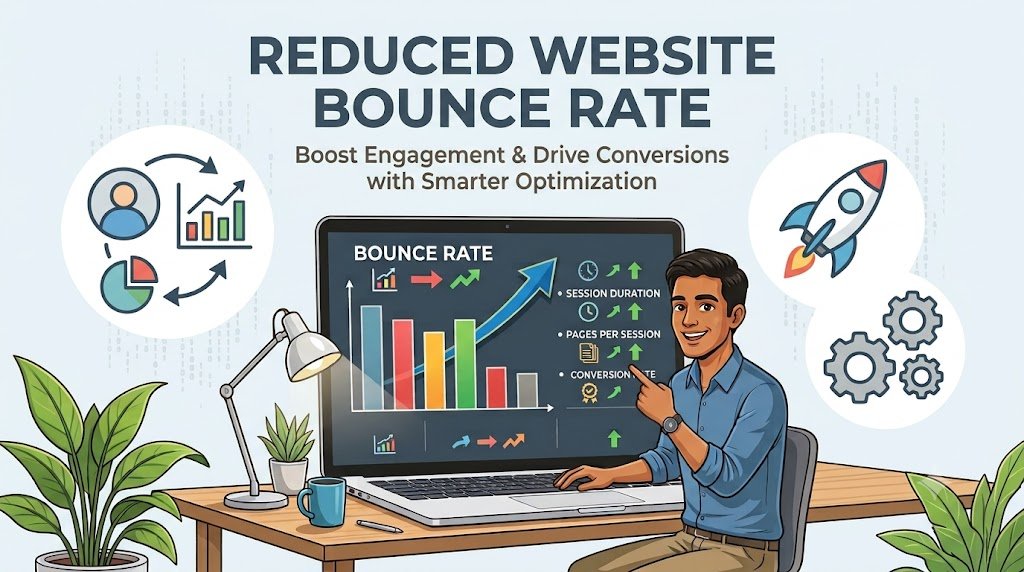
Getting visitors to your website is only the first step toward growing your business. The real challenge is helping those visitors find the information they need, explore your services, and take meaningful action. If people leave without engaging, your website may be missing opportunities to generate leads and sales.
A high bounce rate does not always indicate a problem. Visitors may find an answer immediately and leave satisfied. However, when users leave because a page loads slowly, navigation is confusing, or the content does not match their expectations, improving the user experience can make a difference.
Here are nine practical website user experience (UX) improvements that can help businesses encourage meaningful engagement and improve conversions.
1. Improve Website Loading Speed
Visitors expect web pages to load quickly, particularly when browsing on mobile devices. Slow-loading pages can interrupt the user journey before visitors even see your main message.
Compress large images, remove unnecessary scripts, enable browser caching, and review your hosting performance. Tools such as Google PageSpeed Insights can help identify technical issues affecting speed and user experience.
Focus on the pages that receive the most organic traffic or paid advertising visits first. Improving these pages can make your optimization efforts more valuable.
2. Make Your Website Mobile-Friendly
Many potential customers discover businesses through smartphones. If your website requires users to zoom in, scroll horizontally, or struggle with small buttons, they may leave before exploring your services.
Use responsive layouts that adjust to different screen sizes. Ensure text remains readable, menus are easy to navigate, and forms work smoothly on mobile devices.
Test important pages on actual smartphones, not just desktop previews. Pay particular attention to contact forms, checkout processes, and service inquiry buttons.
3. Match Content With Visitor Intent
A visitor arriving from Google expects a page that directly addresses their search. If someone searches for website design services but lands on a generic homepage with no clear service information, they may return to the search results.
Align page titles, headings, descriptions, and content with the reason people visit. Explain what you offer, who it helps, and what visitors can do next.
For advertising campaigns, make sure the landing page matches the promise made in the advertisement. Consistency between the search query, ad message, and landing page creates a more relevant experience.
4. Simplify Website Navigation
Visitors should not have to guess where important information is located. Complicated menus and unclear categories can make even a well-designed website frustrating to use.
Organize navigation around the needs of your audience. Use descriptive labels such as Services, Pricing, About Us, and Contact instead of vague terms that require interpretation.
Keep important pages accessible within a logical navigation structure. Breadcrumbs, internal links, and a useful search function can also help visitors discover related information.
5. Use Clear Calls to Action
Every important page should make the next step easy to understand. Without a clear call to action (CTA), visitors may read your content but leave without contacting your business.
Use specific and relevant phrases such as “Request a Quote,” “Book a Consultation,” or “Explore Our Services.” Place these prompts where they naturally support the user’s decision.
Avoid overwhelming visitors with competing buttons. Choose one primary action for each page and use secondary actions only when they provide additional value.
6. Improve Content Readability
Large blocks of text can discourage visitors from reading, especially on smaller screens. Clear formatting helps people locate useful information quickly.
Break content into descriptive headings, short paragraphs, and relevant bullet points. Use images, diagrams, or examples when they explain a concept better than text alone.
Make sure your content answers common customer questions instead of relying on generic promotional statements. Useful, specific information gives visitors a reason to continue exploring your website.
7. Build Trust With Strong Website Design
People are more likely to engage with a website when it looks professional and provides clear information about the business.
Use consistent branding, readable typography, high-quality images, and a balanced layout. Display genuine testimonials, relevant case studies, business contact information, and transparent service details where appropriate.
Avoid intrusive pop-ups, misleading countdowns, and excessive promotional banners. These elements can distract visitors and make your website feel less trustworthy.
For additional guidance on website usability and design, explore DigiKliq Infotech’s website design and development services.
8. Optimize Forms and Conversion Processes
Long or confusing forms can prevent interested visitors from becoming qualified leads. Requesting unnecessary information creates additional effort and may discourage people from completing the process.
Ask only for the details needed to respond to an inquiry. Use clear field labels, helpful error messages, and mobile-friendly input fields.
For e-commerce websites, simplify checkout wherever possible and explain shipping costs, payment options, and return policies before the final step. Reducing uncertainty can help customers complete their purchases.
9. Test, Measure, and Improve User Experience
Website optimization should be an ongoing process rather than a one-time redesign. Use analytics tools to understand how visitors interact with your pages and identify where they leave the customer journey.
Review engagement rate, conversion rate, form submissions, scroll depth, and relevant page-level performance. In Google Analytics 4, bounce rate represents the percentage of sessions that were not engaged, so interpret it alongside other metrics rather than treating it as the only measure of success.
You can also compare different headlines, CTA placements, page layouts, or form designs through controlled A/B tests. Read more about A/B testing and how it helps identify better-performing marketing variations.
Make one meaningful change at a time where practical, measure the results, and retain improvements that support your business goals.
Conclusion
Reducing website bounce rates starts with understanding why visitors leave. Faster loading pages, mobile-friendly layouts, relevant content, simple navigation, and clear calls to action can make your website easier to use and more effective at converting visitors. At DigiKliq Infotech, a user-focused approach to website design and digital marketing can help businesses identify opportunities to improve online engagement. Remember that the objective is not simply to keep people on your website longer. It is to help them find what they need and take the next step with confidence.