How Core Web Vitals in Google Search Console Affect SEO Rankings: A Complete Guide to LCP, INP & CLS in 2026
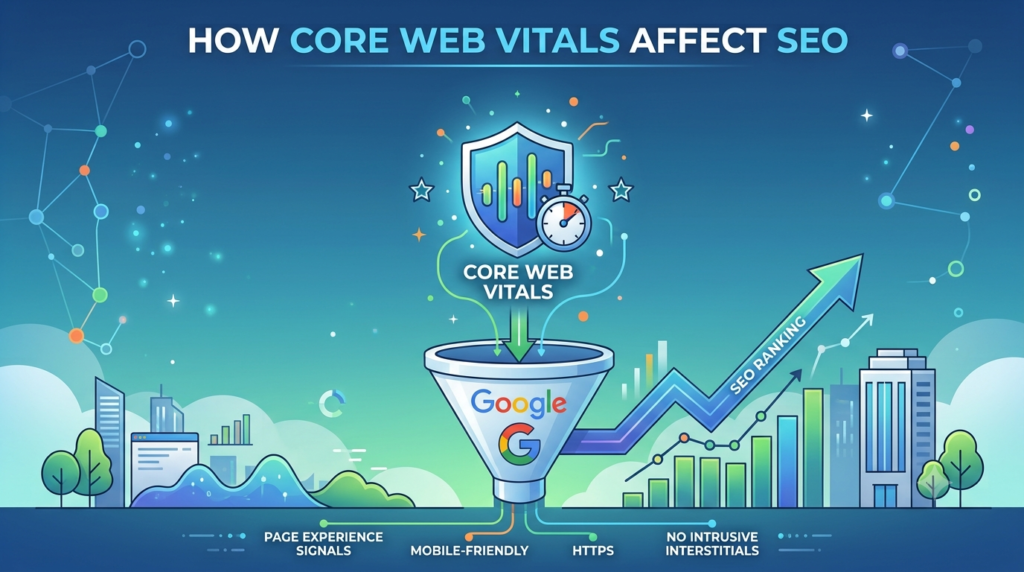
Website performance has become an essential part of modern SEO. A website may have excellent content, relevant keywords, and strong backlinks, but a poor user experience can still create challenges for visitors. Slow loading pages, delayed interactions, and unstable layouts can make users leave before they engage with the content. This is where Core Web Vitals play an important role.
Google Search Console provides website owners with valuable information about real-world page experience through its Core Web Vitals report. Understanding this data can help businesses identify URLs that need improvement and prioritize technical optimization.
What Are Core Web Vitals?
Core Web Vitals are performance metrics designed to measure important aspects of how users experience a webpage. In 2026, the three key metrics are:
Largest Contentful Paint (LCP)
LCP measures how quickly the largest important visible content element is displayed. This could be a large image, heading area, or other major content element within the visible portion of the page.
A slow LCP can make visitors feel that the page is taking too long to load. Common causes include large images, slow server response, render-blocking resources, and heavy website code.
Interaction to Next Paint (INP)
INP measures how responsive a webpage feels when users interact with it. For example, when someone clicks a button, opens a menu, or submits a form, the website should respond smoothly.
Poor responsiveness can create frustration, particularly on mobile devices. Heavy JavaScript, long processing tasks, and poorly optimized scripts may contribute to INP issues.
Cumulative Layout Shift (CLS)
CLS measures visual stability. A poor CLS score occurs when elements unexpectedly move while the page is loading.
For example, a visitor may try to click a button, but an advertisement, image, or other element loads and pushes the button to another position. This creates a frustrating user experience and may even lead to accidental clicks.
How to Check Core Web Vitals in Google Search Console
Website owners can access the Core Web Vitals report through Google Search Console. The report typically groups URLs based on their performance status and may identify pages as Good, Needs Improvement, or Poor.
The report also separates data based on mobile and desktop experiences. This is important because a page that performs well on a powerful desktop computer may still have performance issues for mobile users.
When reviewing the report, do not focus only on the number of affected pages. It is important to understand the specific issue affecting those URLs. For example, many pages may share the same template, image optimization issue, JavaScript problem, or server-related performance limitation.
Core Web Vitals in Google Search Console can therefore be useful for identifying patterns across multiple pages rather than checking every URL individually.
How Do Core Web Vitals Affect SEO?
Core Web Vitals are connected to Google’s broader focus on providing useful and satisfying page experiences. However, it is important to understand that improving Core Web Vitals alone does not guarantee higher rankings.
Google uses many signals when determining search results, including the relevance and usefulness of content. A fast page with weak or irrelevant content will not automatically outrank a highly relevant page simply because it has better performance metrics.
That said, good website performance can support SEO in several important ways.
1. Better User Experience
When a page loads important content quickly and responds smoothly, users can access information more easily. This may encourage visitors to continue reading, browse additional pages, or complete an enquiry.
2. Improved Mobile Experience
Mobile users often depend on different network conditions and device capabilities. Heavy pages can create noticeable delays. Optimizing Core Web Vitals can help create a smoother experience across different devices.
3. Reduced Frustration From Slow Pages
Visitors may become frustrated when important content takes too long to appear or when buttons do not respond quickly. Fixing performance issues can improve the overall usability of a website.
4. Better Technical SEO Management
Core Web Vitals reports can help SEO teams discover larger technical issues. For example, a sudden increase in poor URLs may indicate a problem introduced through a theme update, plugin, JavaScript file, advertising script, or hosting configuration.
At DigiKliQ Infotech, Core Web Vitals analysis can be included as part of a broader technical SEO approach that considers website performance, crawling, indexing, mobile usability, and overall user experience.
Common Causes of Poor LCP, INP and CLS
Several technical issues can affect these metrics.
For LCP, common problems include unoptimized images, slow hosting, excessive CSS and JavaScript, and delayed loading of important page elements.
For INP, the causes may include heavy JavaScript execution, unnecessary third-party scripts, large tasks blocking the browser, and poorly optimized interactive features.
For CLS, common causes include images without defined dimensions, advertisements loading dynamically, web fonts changing the layout, and content inserted after the page has already started rendering.
How to Fix Core Web Vitals Issues
The correct solution depends on the cause. Website owners should first identify which URLs and page templates are affected.
Optimize Images
Compress images appropriately and use modern image formats where suitable. Large images should not be delivered unnecessarily to devices that require smaller versions.
Improve Server Performance
Slow server response can delay the loading of important content. Hosting quality, caching, database performance, and server configuration should be reviewed.
Reduce Unnecessary JavaScript
Unused or excessive JavaScript can affect loading and responsiveness. Scripts should be reviewed carefully, especially third-party tracking tools and plugins.
Define Image and Media Dimensions
Setting appropriate width and height values can help browsers reserve space before content loads, reducing unexpected layout movement.
Use Effective Caching
Caching can reduce repeated loading work and improve performance for returning visitors.
Monitor Changes After Optimization
After making changes, monitor performance over time rather than expecting instant changes in all reports. Real-user data and reporting periods can affect when updated results become visible.
Conclusion
Core Web Vitals should not be viewed as a standalone SEO ranking shortcut. Instead, they are an important part of creating a technically sound website that provides a better experience for visitors.
By monitoring LCP, INP, and CLS, website owners can identify performance problems and make informed improvements. Combining fast performance with helpful content, proper indexing, strong technical SEO, and a user-focused website strategy creates a more complete approach to organic search visibility.At DigiKliQ Infotech, focusing on these technical factors alongside a wider SEO strategy can help businesses improve website quality and deliver a smoother experience to their visitors.